Stopped groove
cuts.stopped_groove
A groove stopped stop short of both ends, so it shows at neither.
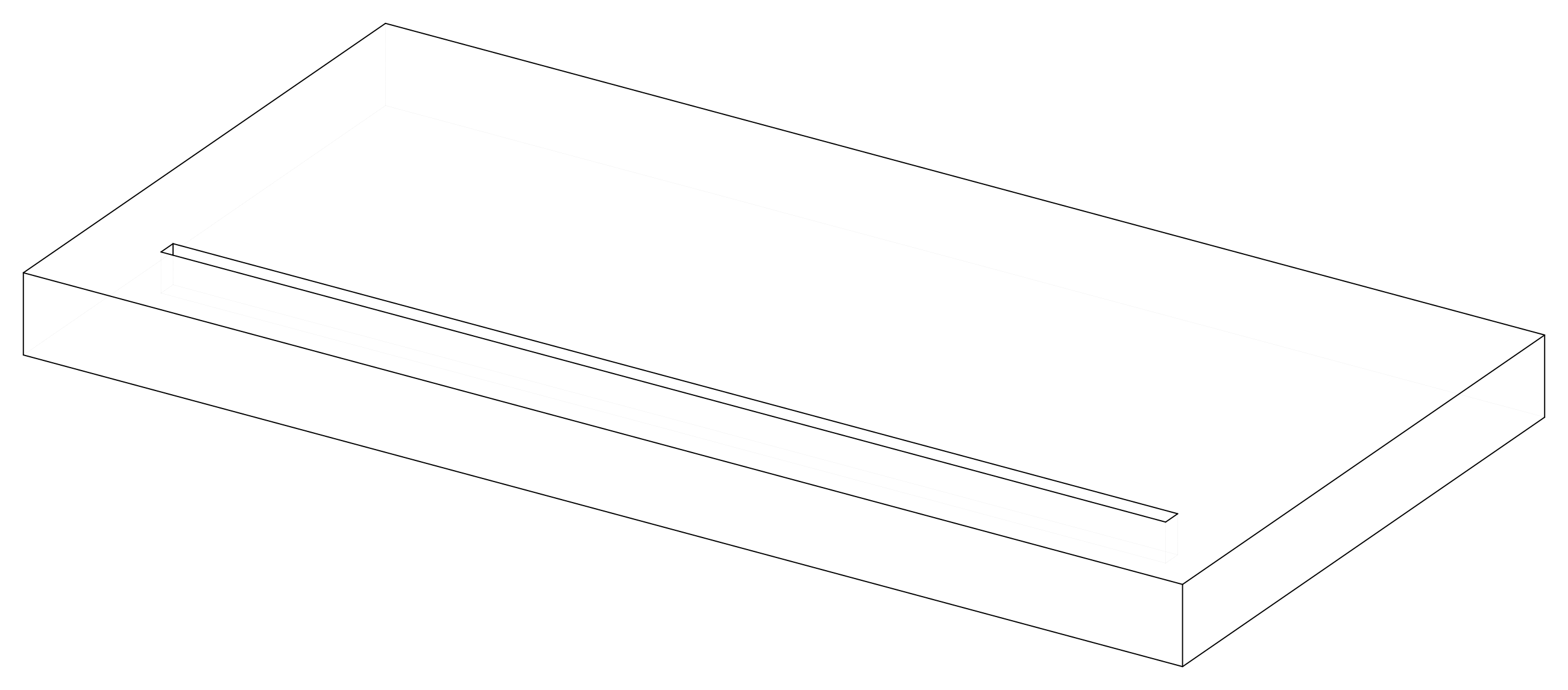
Parameters
| Parameter | Default |
|---|---|
distance |
50 |
width |
10 |
depth |
20 |
stop |
40 |
stock |
40 mm board, oak |
Change them in a design file (see Change an example):
Drawings
The plans in one PDF: plans.pdf.
Board
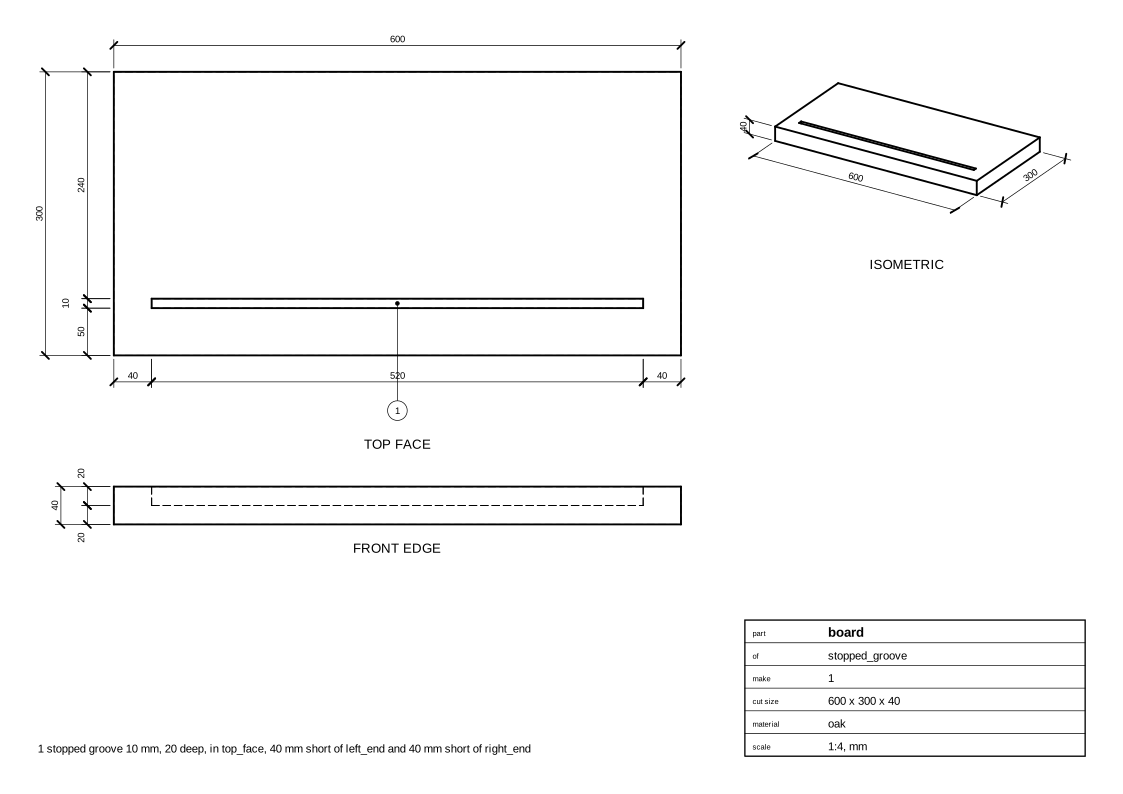
Cut list
board  600 x 300 x 40 mm  oak
       - stopped groove 10 mm, 20 deep, in top_face, 40 mm short of left_end and 40 mm short of right_end
Code
From woodwright/examples/cuts.py, which imports the names it uses (see From an example to your own design):
def stopped_groove(
    distance: float = 50,
    width: float = 10,
    depth: float = 20,
    stop: float = 40,
    stock: Stock = THICK_OAK,
) -> Assembly:
    """A groove stopped `stop` short of both ends, so it shows at neither."""
    asm, board = _board("stopped_groove", stock)
    board.cut(
        Groove(
            board.top_face,
            width=width,
            depth=depth,
            distance=distance,
            stopped={board.left_end: stop, board.right_end: stop},
        )
    )
    return asm
Exported with woodwright 0.9.0 on 2026-10-25.