Panel in groove
joints.panel_in_groove
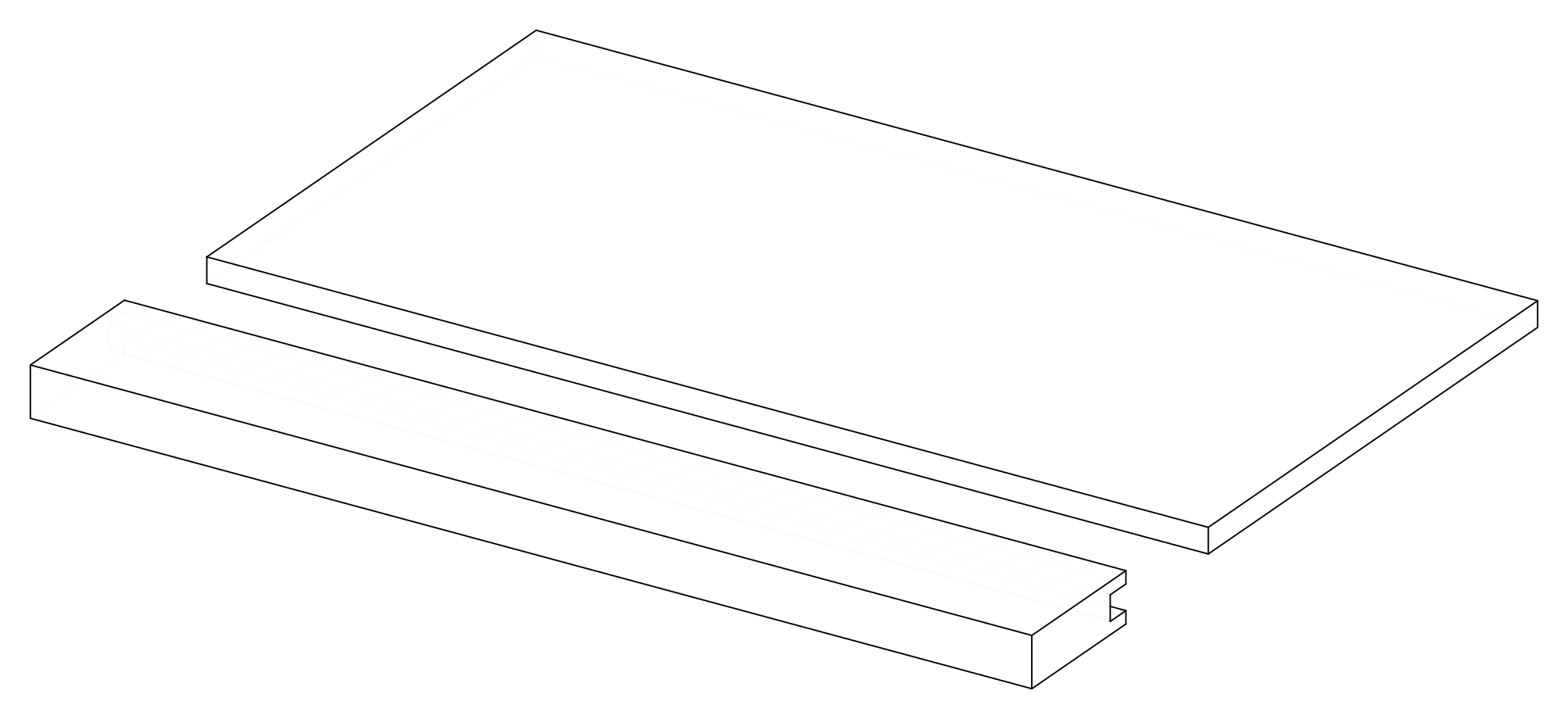
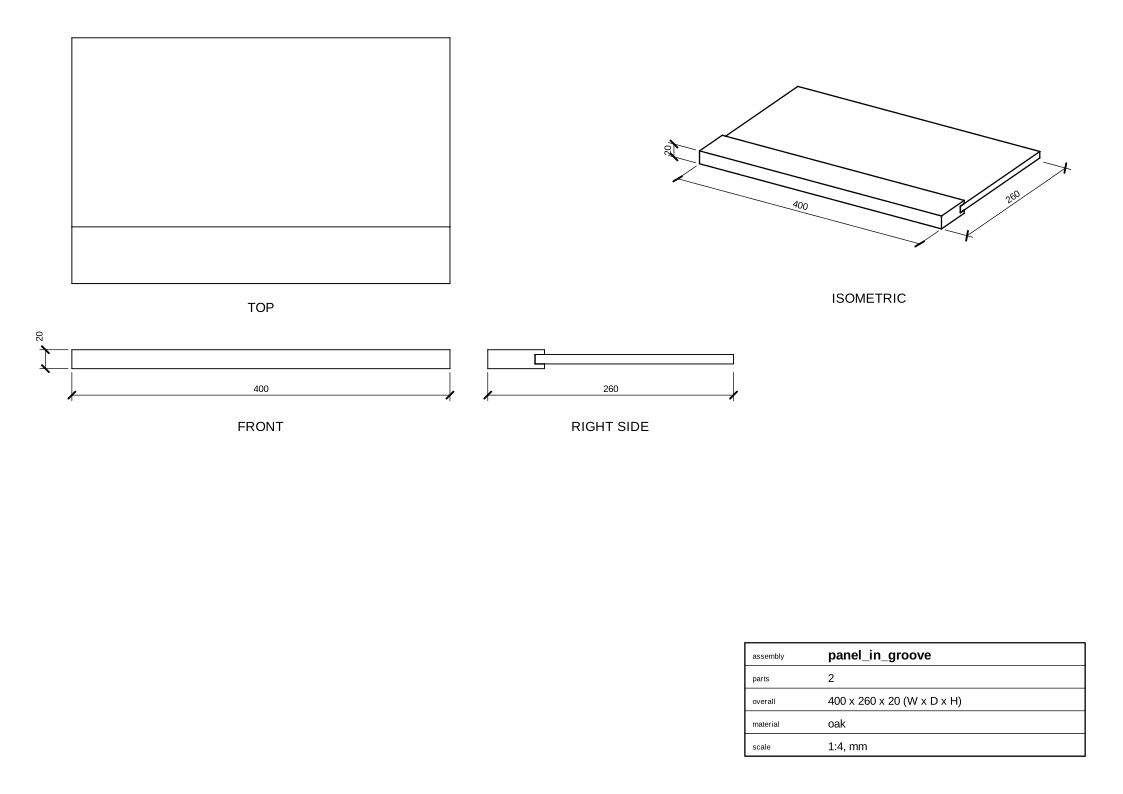
A thin panel with its edge in a groove along a rail, centered in its thickness.
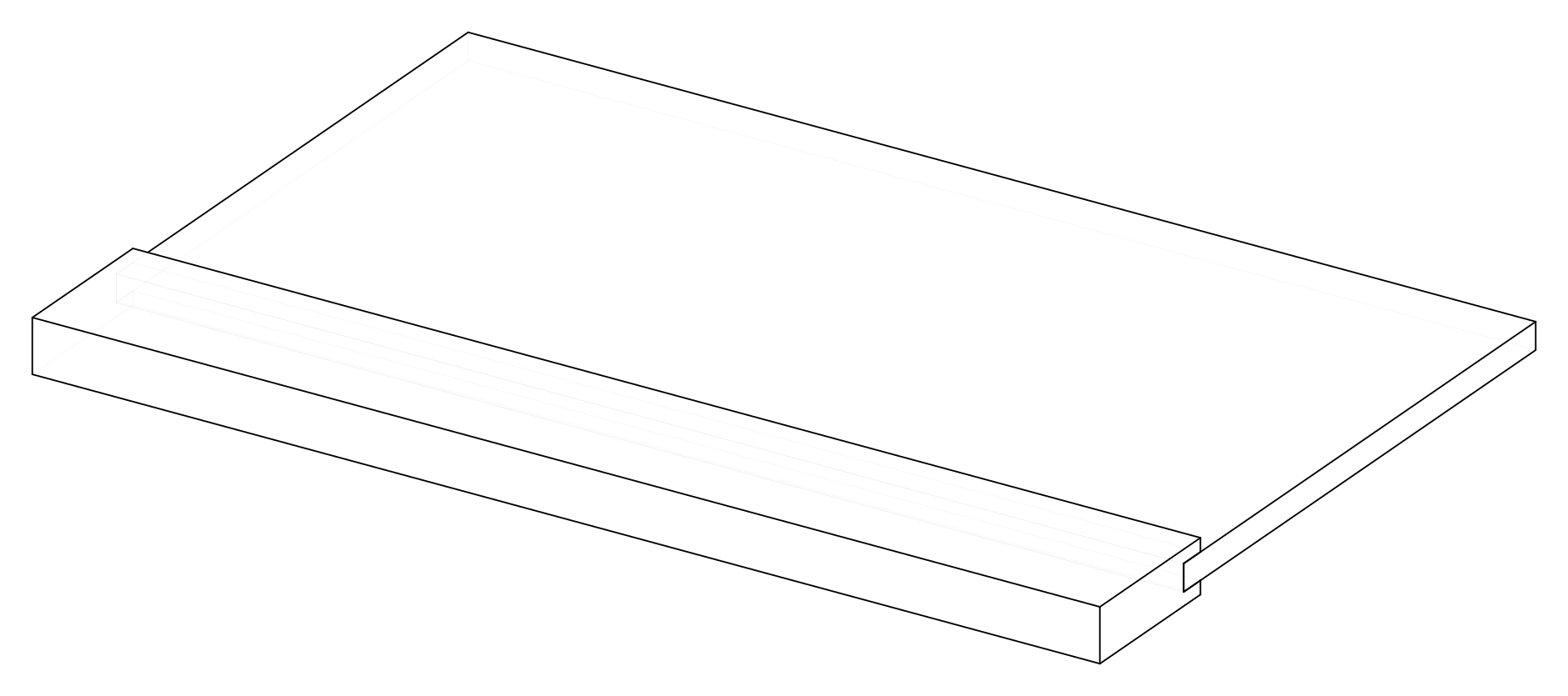
Parameters
| Parameter | Default |
|---|---|
length |
400 |
rail_width |
60 |
panel_width |
200 |
panel_stock |
10 mm board, oak |
stock |
20 mm board, oak |
Change them in a design file (see Change an example):
Drawings
The plans in one PDF: plans.pdf.
Assembly
Parts
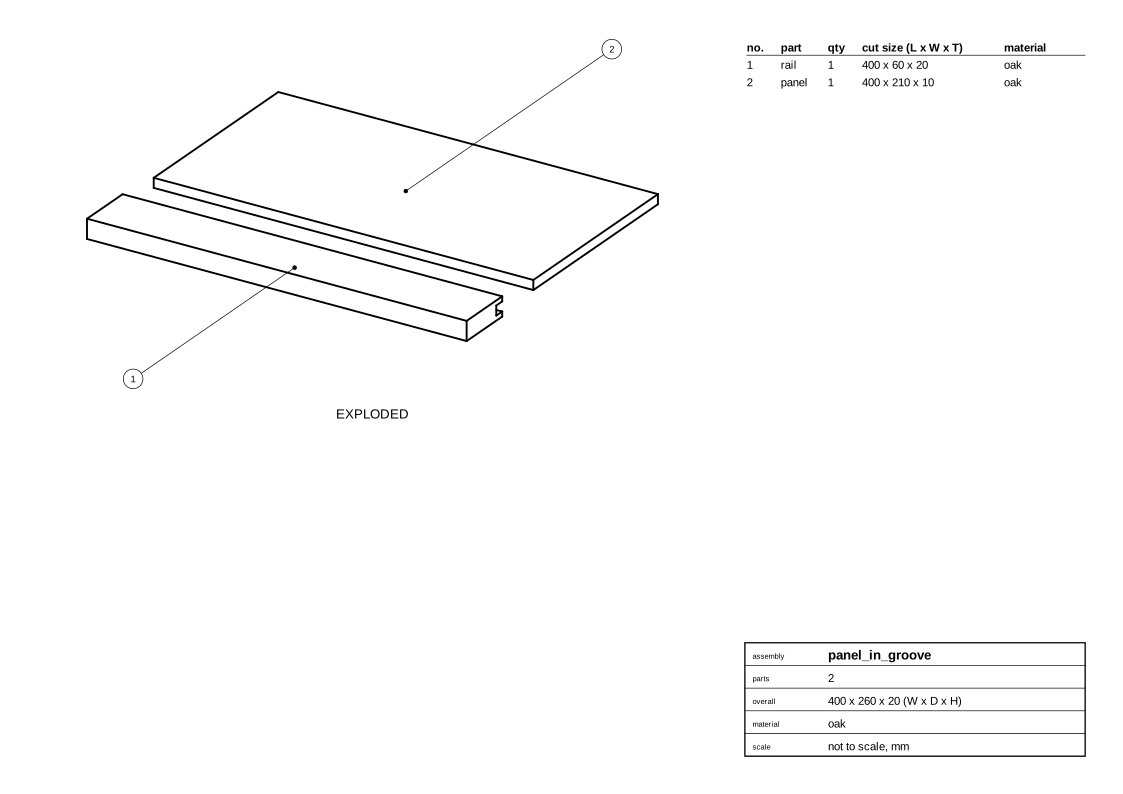
Panel
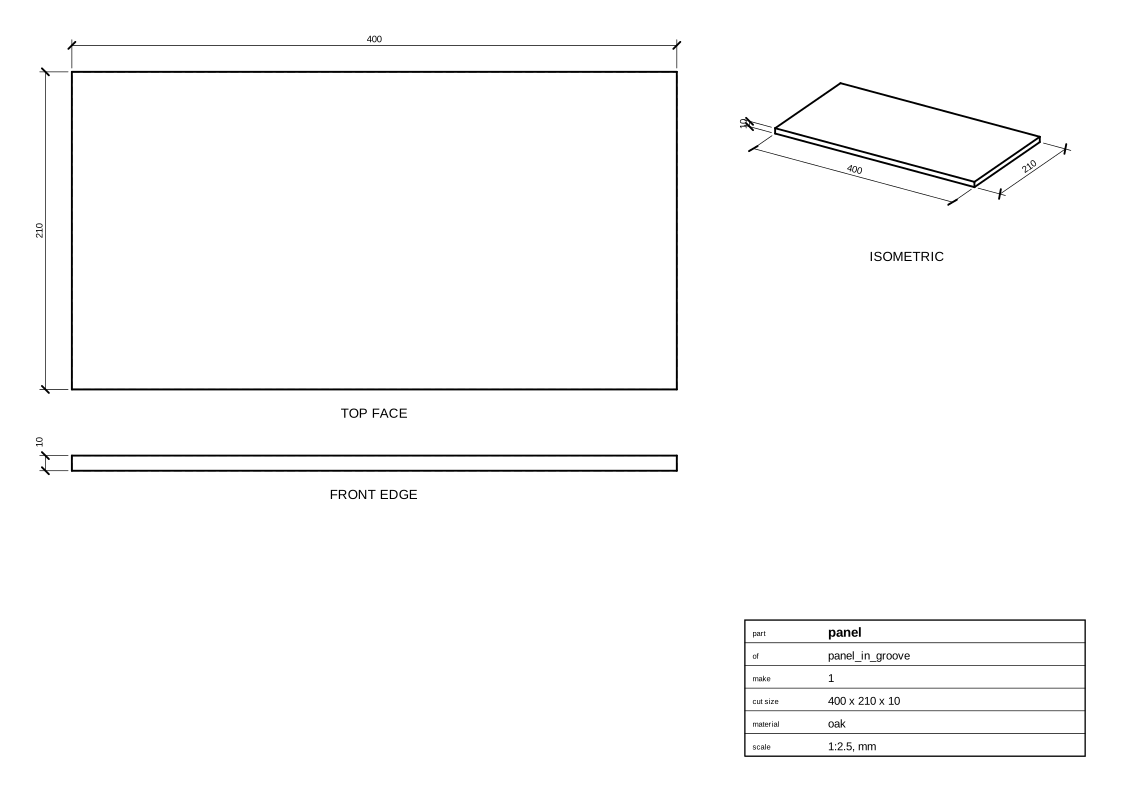
Rail
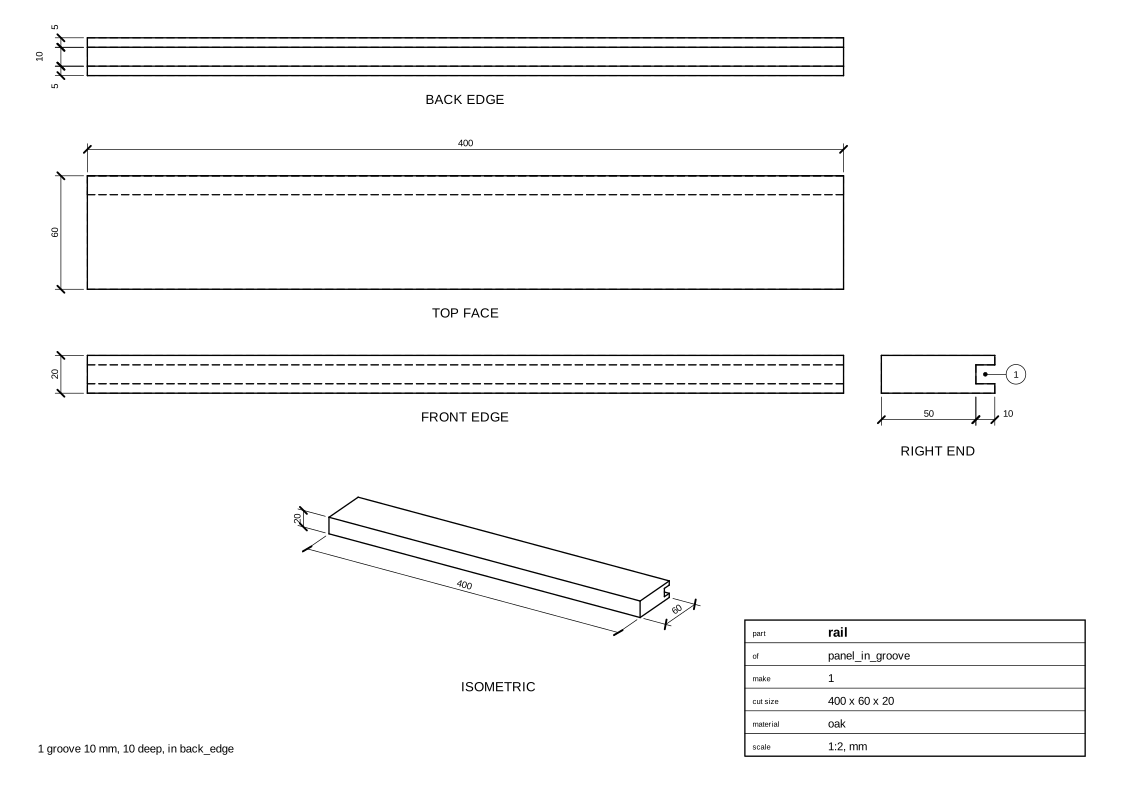
Cut list
Code
From woodwright/examples/joints.py, which imports the names it uses (see From an example to your own design):
def panel_in_groove(
    length: float = 400,
    rail_width: float = 60,
    panel_width: float = 200,
    panel_stock: Stock = THIN_OAK,
    stock: Stock = OAK,
) -> Assembly:
    """A thin panel with its edge in a groove along a rail, centered in its thickness."""
    asm = Assembly("panel_in_groove")
    rail = asm.add(Board("rail", stock, length=length, width=rail_width))
    panel = asm.add(Board("panel", panel_stock, length=length, width=panel_width))
    asm.join(GrooveJoint(groove=rail.back_edge, edge=panel.front_edge))
    return asm
Exported with woodwright 0.9.0 on 2026-10-25.